


You have heard the hype. Maybe you have even tried one of these tools a few times. Typed something in, got a response, thought “okay, cool,” and then never opened it again.
Or maybe you’ve been using it here and there, but it still feels random. Some days it’s useful. Other days it spits out something generic, and you close the tab.
Either way, you are not getting consistent value from it yet. That is what this newsletter fixes.
Here’s the thing
It does not matter whether you have never touched AI, have dabbled with it once or twice, or use it regularly but feel you are only scratching the surface. This newsletter is built for all three.
What AI actually is, in plain English: a really good writing and thinking partner you can talk to like a person. You type a question or a task in normal English, and it gives you an answer in normal English. That is the whole trick. The reason it still surprises people, even those who have used it before, is that most small business owners have never seen it applied to the tasks they do every day.
The four key tools small business owners should know about:
Claude (made by Anthropic). My personal pick for writing, problem-solving, and anything where tone matters. The free version is generous.
ChatGPT (made by OpenAI). The most popular one. A great all-around general assistant. The free version gives you plenty to work with.
Gemini (made by Google). Built into Gmail, Google Docs, and your Google account. If you use Google Workspace, this is your easy button.
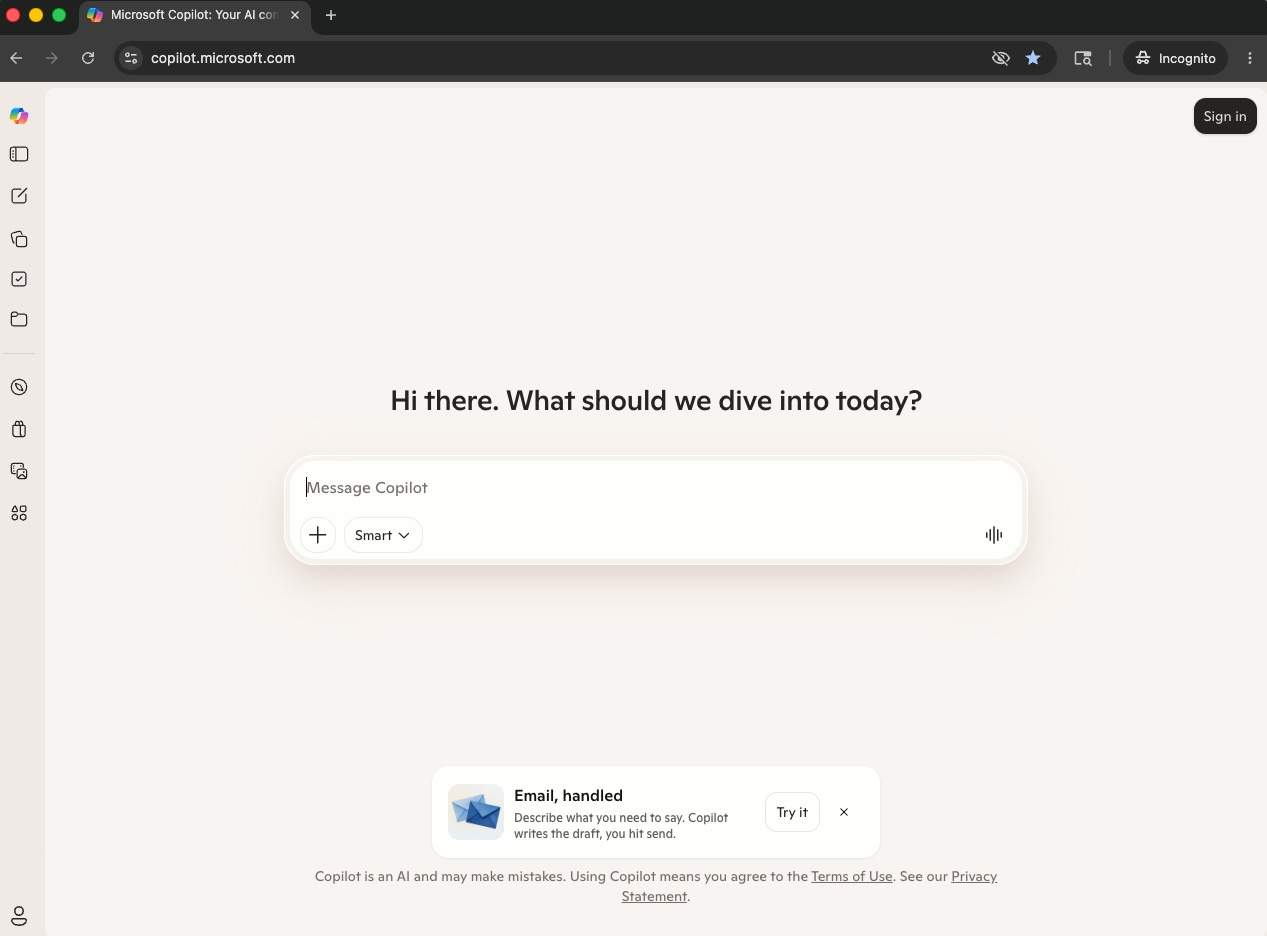
Microsoft Copilot (made by Microsoft) is built into Word, Excel, Outlook, and Teams. If your business runs on Microsoft 365, Copilot is already there, waiting.
All four have free versions that are good enough to get started. You do not need to pay a dime to figure out whether this is for you.
What AI is not
It is not a search engine. Do not use it like Google. It does not always have current information unless you ask it to search the web for you, and it can confidently get facts wrong if you do not double-check.
It is not a magic button. Bad input produces bad output. The clearer you tell it what you want, the better the answer.
It is not your replacement. It is your assistant. You are still the business owner. You know your customers, your trade, and your reputation better than any AI ever will. The AI helps you get the boring stuff done faster so you can focus on the work that actually grows your business.
Real talk on where most people get stuck
If you have never tried AI, the barrier is usually just getting started. Pick a tool, open it, and type something real. That is the whole first step.
If you have tried it and walked away unimpressed, the problem almost always comes down to the prompt. Vague input yields vague output. “Tell me about marketing” is not a task. It is a topic. AI does not know what to do with a topic.
If you use it occasionally but not consistently, you probably do not have a system yet. You are reaching for it when you remember, not when you need to. That is a habit problem, not a tool problem.
All three situations have the same fix: give it a real task from your real business. Not “Tell me about marketing.” Instead: “Write a friendly text I can send to customers who have not booked in six months, reminding them to come in for an oil change. Keep it under 60 words, warm, and not pushy.”
That is like test-driving a truck by actually driving it, not sitting in the parking lot. That is what unlocks it.
One real example
A common task for any small business owner: writing a thank-you note to a customer who left a great online review.
Without AI, you put it off because you cannot find the right words and you have ten other things on fire. So you either write something stiff or never write it at all.
Here is what “stiff” looks like:
“Thank you for your kind review. We appreciate your business and look forward to serving you again in the future.”
Every customer has read that exact sentence a hundred times, and it says nothing.
With AI, open the tool, paste the customer’s review, and type: “Write a warm, personal thank-you reply to this customer review. Keep it under 75 words. Sound like a small-business owner who actually means it, not like corporate marketing.”
Thirty seconds later, you get something like this:
“Sandra, thank you so much for taking the time to leave this. Hearing that the turnaround was faster than you expected made my week. We put a lot of care into every job and it means a lot when a customer notices. See you next time, and don’t hesitate to reach out if you ever need anything.”
You tweak one or two words to make it sound like you. You post the reply. Done. That is the difference between a response that builds loyalty and one that goes ignored.
That is the entire AI value proposition in one example. It is not magic. It is leverage for tasks you were already going to do.
The full copy/paste system and exact prompts are below for paid subscribers. Upgrade to $9/month (cancel anytime), and you get this every week.
What’s below is the Small Business AI Starter Kit: the exact setup steps, the copy/paste prompts and ready-to-use templates you can put to work today. Paid subscribers get a system like this every week. The goal is simple: save 20-30 minutes a week on writing, never start from a blank page again, and reply to customers in 2 minutes instead of 12.
Full how-to: Your first 30 minutes with AI
I am going to walk you through this, whether you are starting from scratch or picking up where you left off after a few half-hearted attempts. If you already have a tool you prefer, skip Step 1 and go straight to Step 2.
Step 1: Pick one tool and open it
Do not try to evaluate all four at once. That is how you end up using none of them. Pick based on where you already spend your time.
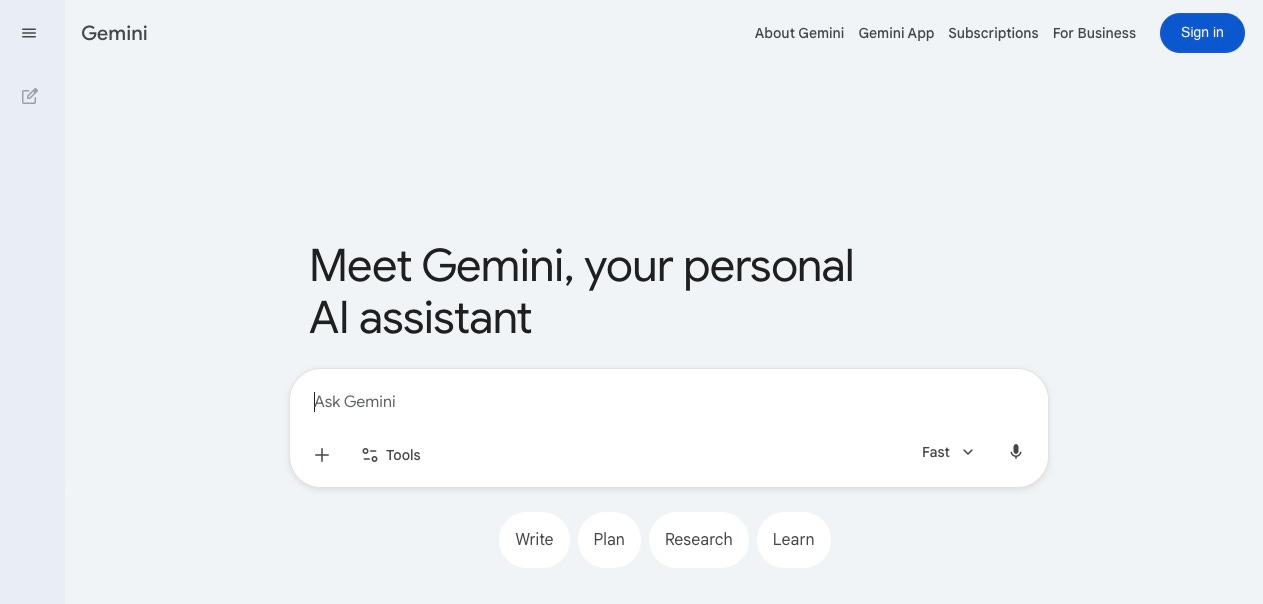
You mostly use Google (Gmail, Google Docs, Google Calendar): go to gemini.google.com and sign in with your existing Google account. You are in.
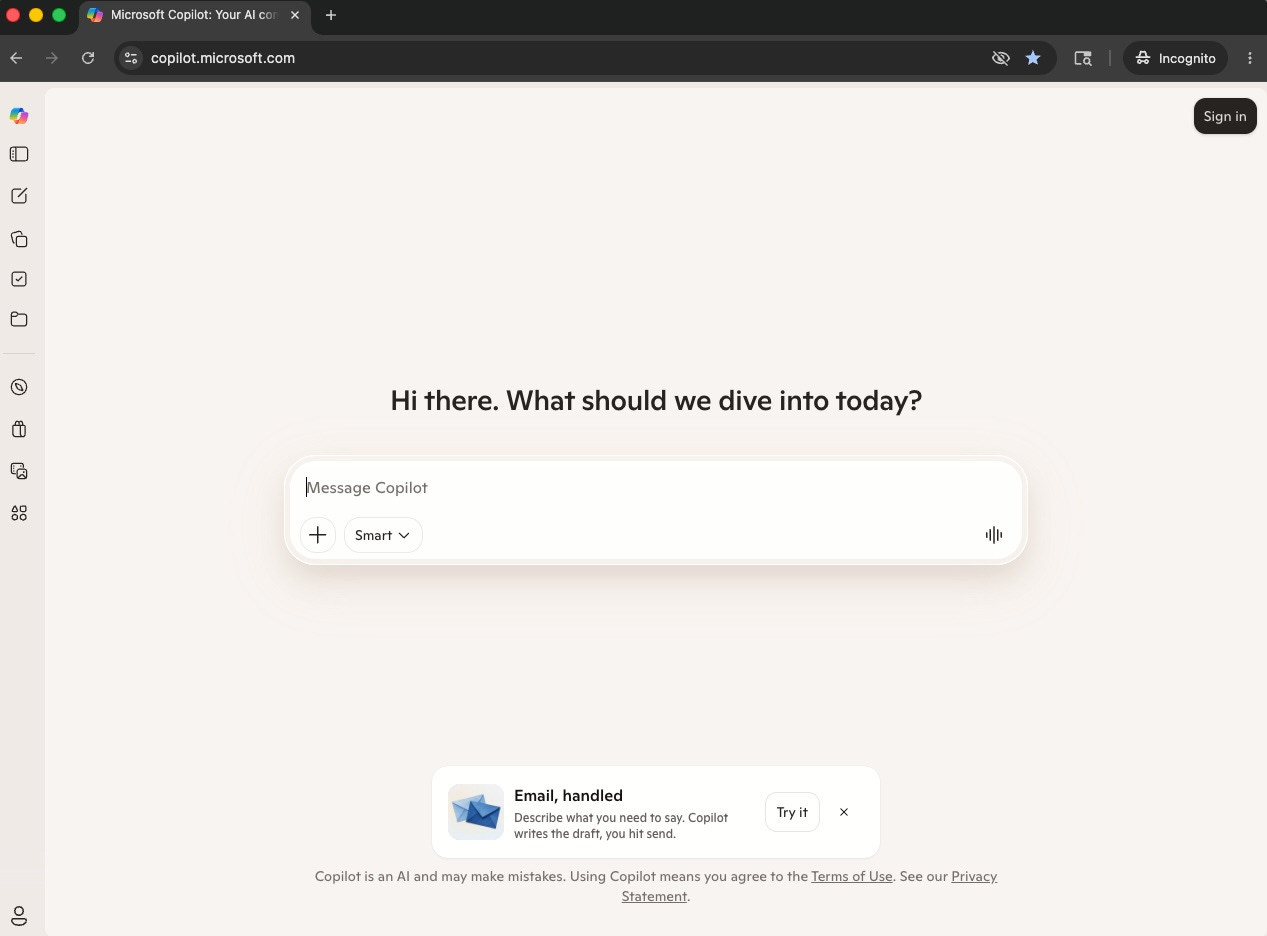
You mostly use Microsoft (Outlook, Word, Excel): go to copilot.microsoft.com, then sign in with the same Microsoft account you use for Outlook. Done.
If you do not have a strong preference or want the best writing quality, go to claude.ai. Click “Sign up.” Use your email or Google account. Done.
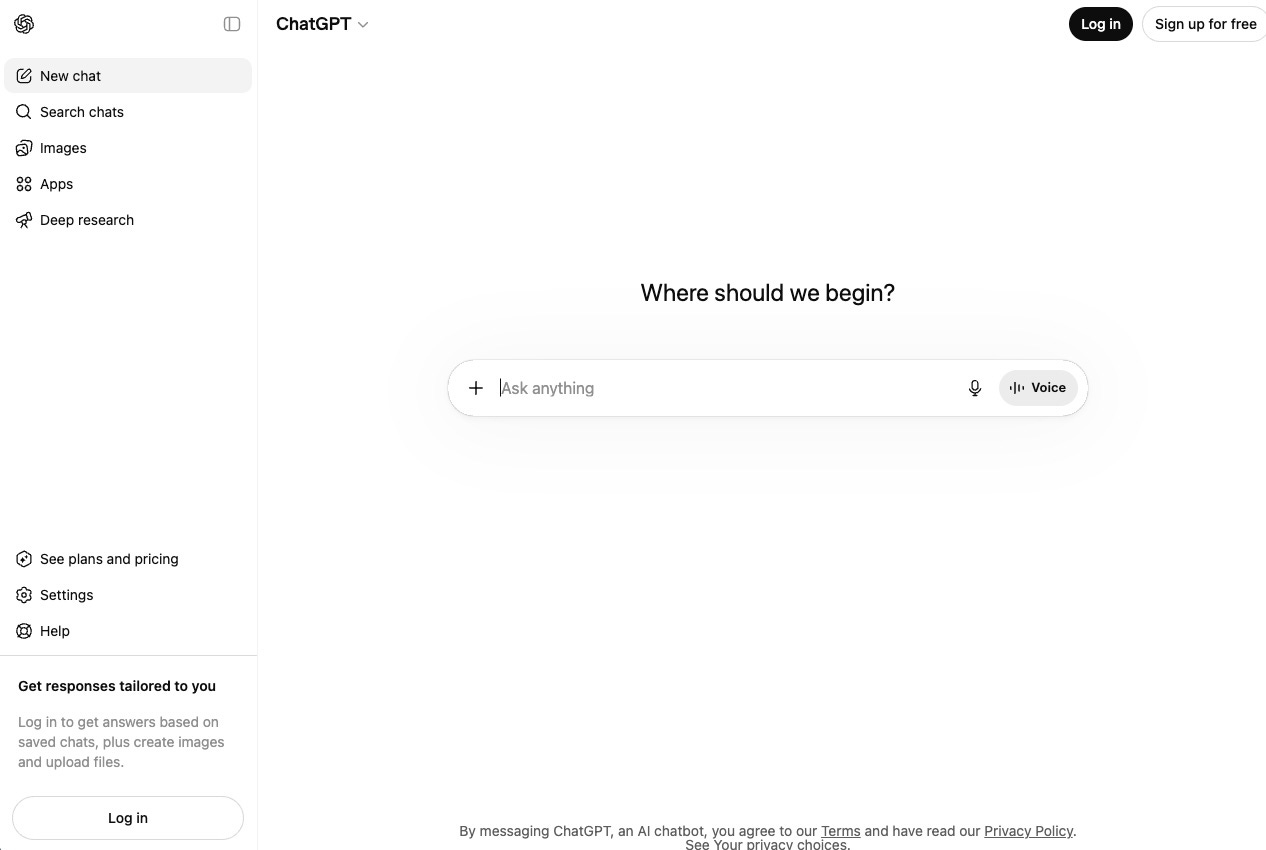
You want the most popular option with the broadest features: go to chatgpt.com. Sign up the same way.
You do not need to download anything. All four work in your web browser. You can also get the app on your phone if you want, but start on a laptop or desktop. It is easier to see what you are doing.
Step 2: The rule that makes AI stop sucking
Before you even save prompts, know this one trick. If the answer you get back is generic, bad, or sounds like a robot wrote it, do not give up. Type this follow-up:
“That is too generic. Make it sound like a small business owner wrote it. Shorter sentences. More direct. Drop any corporate buzzwords.”
This works in every tool I just mentioned. The AI will rewrite it. Sometimes you have to ask twice. The first version is almost always too stiff. The second is usually pretty good. Knowing this before you start will save you from quitting too early.
Step 3: Type your first prompt
Do not overthink this. Copy and paste this into the box, then hit enter:
“I own a small business. I have never used AI before and I want to see what you can actually do. Without giving me a generic answer, ask me one specific question about my business so you can show me something useful.”
Watch what happens. The AI will ask you a specific question. Answer honestly. Then it will give you something actually useful for your business. That is what a real AI interaction looks like. Not “tell me about marketing.” A back-and-forth.
Step 4: Save these three prompts somewhere
Open a note on your phone or a Word doc. Paste in these three. These are the ones I tell every small business owner to start with.
Prompt 1: The email reply
“Here is an email I received: [paste email]. Write a reply that is professional, warm, and gets to the point in under 100 words. Use plain language. Do not start with ‘I hope this email finds you well.’ Sign it from [your name].”
Prompt 2: The follow-up text
“Write a friendly text message I can send to a customer who [reason]. Keep it under 50 words. Sound like a real person, not corporate marketing. Do not use exclamation points unless they fit naturally.”
Prompt 3: The thinking partner
“I am trying to decide [describe the decision]. Here is what I am considering: [option A], [option B]. Ask me three questions that will help me think through this clearly before giving me your take.”
Save these. They will handle more of your week than you expect.
Step 5: Do this once a day for a week
Pick one real task from your day. It could be an email reply, a social post, a price quote draft, a thank-you note, or anything. Do it with AI instead of without. Even if it takes you the same amount of time as the first few days. That is the learning curve. You are training your brain to reach for AI before you reach for the blank page.
By the end of week one, you will have a feel for what these tools are actually good at and what they are not. That is the only way to learn this. Not by reading another article. By using it.
Copy these prompts and save them today
Customer review response (positive)
“Write a warm thank-you reply to this customer review: [paste review]. Keep it under 75 words. Mention something specific they said. Sound like a small business owner who genuinely appreciates the feedback. No corporate language.”
Quote follow-up (no answer yet)
“Write a follow-up email to a customer I sent a quote to [X days/weeks] ago. They have not responded. Be polite, not pushy. Make it easy for them to either move forward, ask questions, or tell me to back off. Under 80 words.”
Social media post (event or announcement)
“Write a Facebook post announcing [describe the announcement]. Keep it under 75 words. Conversational, like I am talking to my local customers. Include a clear next step. No hashtags unless they are necessary.”
Internal note to self (cleaning up messy thoughts)
“Here are my rough notes from a call/meeting: [paste notes]. Clean this up into a tight summary with three sections: what we agreed on, what I still need to do, and what I am waiting on from them.”
The “make it shorter” command
“Cut this in half. Same point, fewer words. Keep the parts that actually matter.”
That last one might be the most useful prompt in the entire newsletter. I use it constantly.
What to expect next
In my next post, I am walking you through your first ten real minutes with AI. The concept side covers what to do when you sit down. The paid side gives you the exact session plan, with prompts to use in order, so you finish the 10 minutes with something tangible you can use in your business.
Pick one tool this week. Use the three prompts. Tell me how it went.
Want one-on-one help getting this set up for your specific business? Reply to this email or reach out to matt@salesboostconsulting.com.